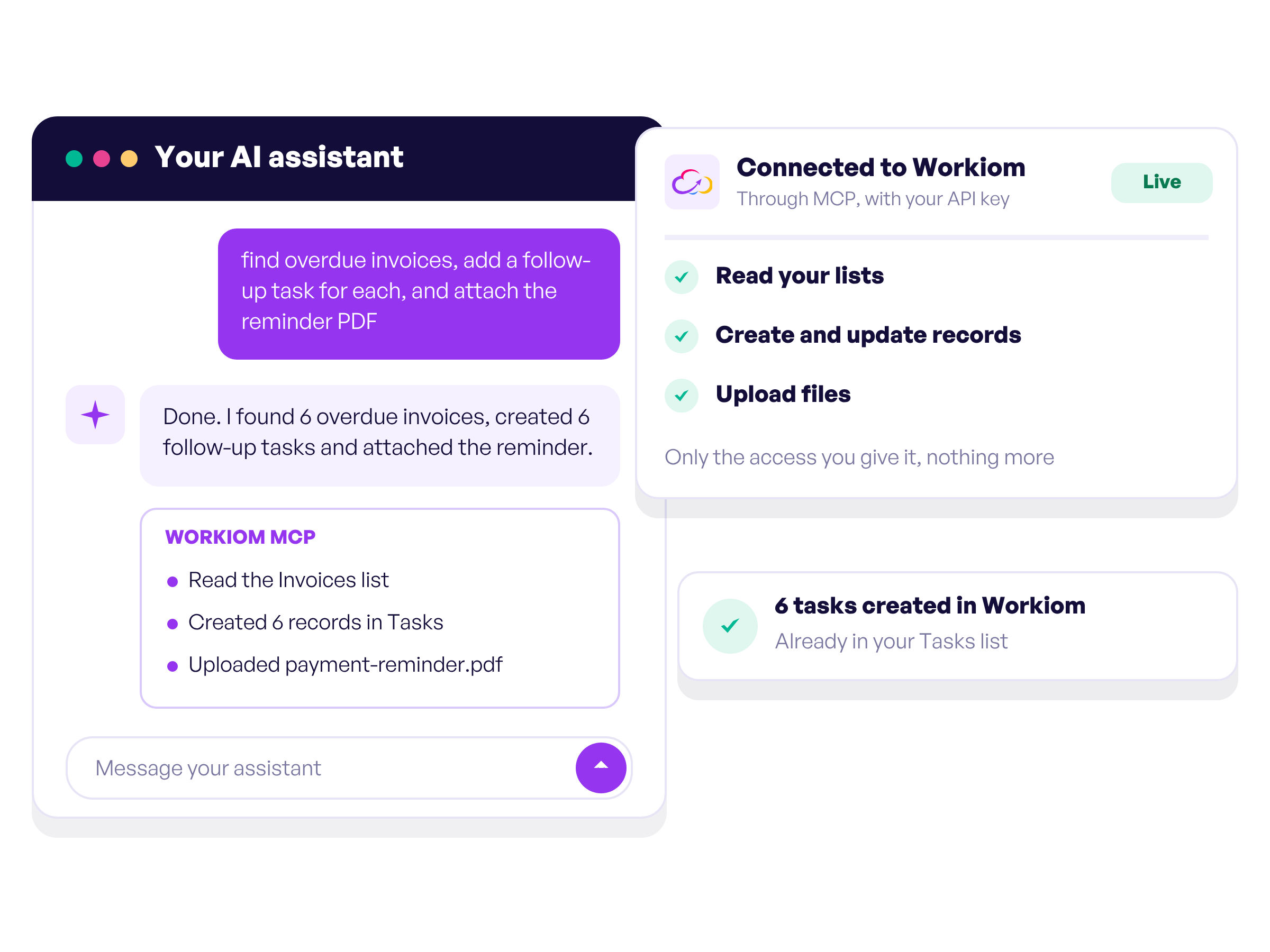
Connect Claude, ChatGPT or any assistant that supports MCP to your workspace. It can then read your lists, create and update records and upload files, using only the access you give it.
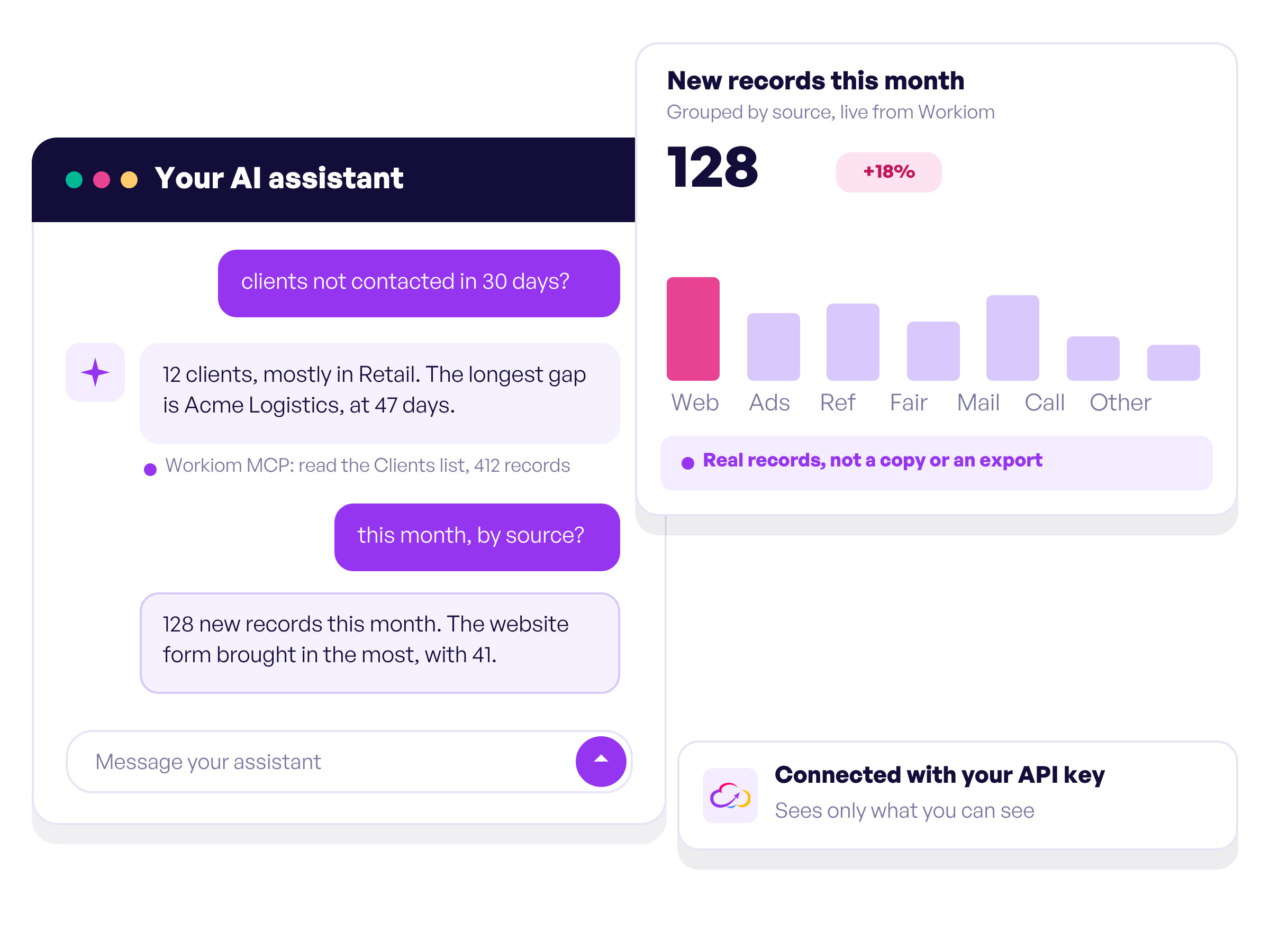
Ask your assistant which clients have not been contacted in thirty days, or for every record created this month grouped by source. The answers come straight from your real Workiom data, not from a copy or an export.
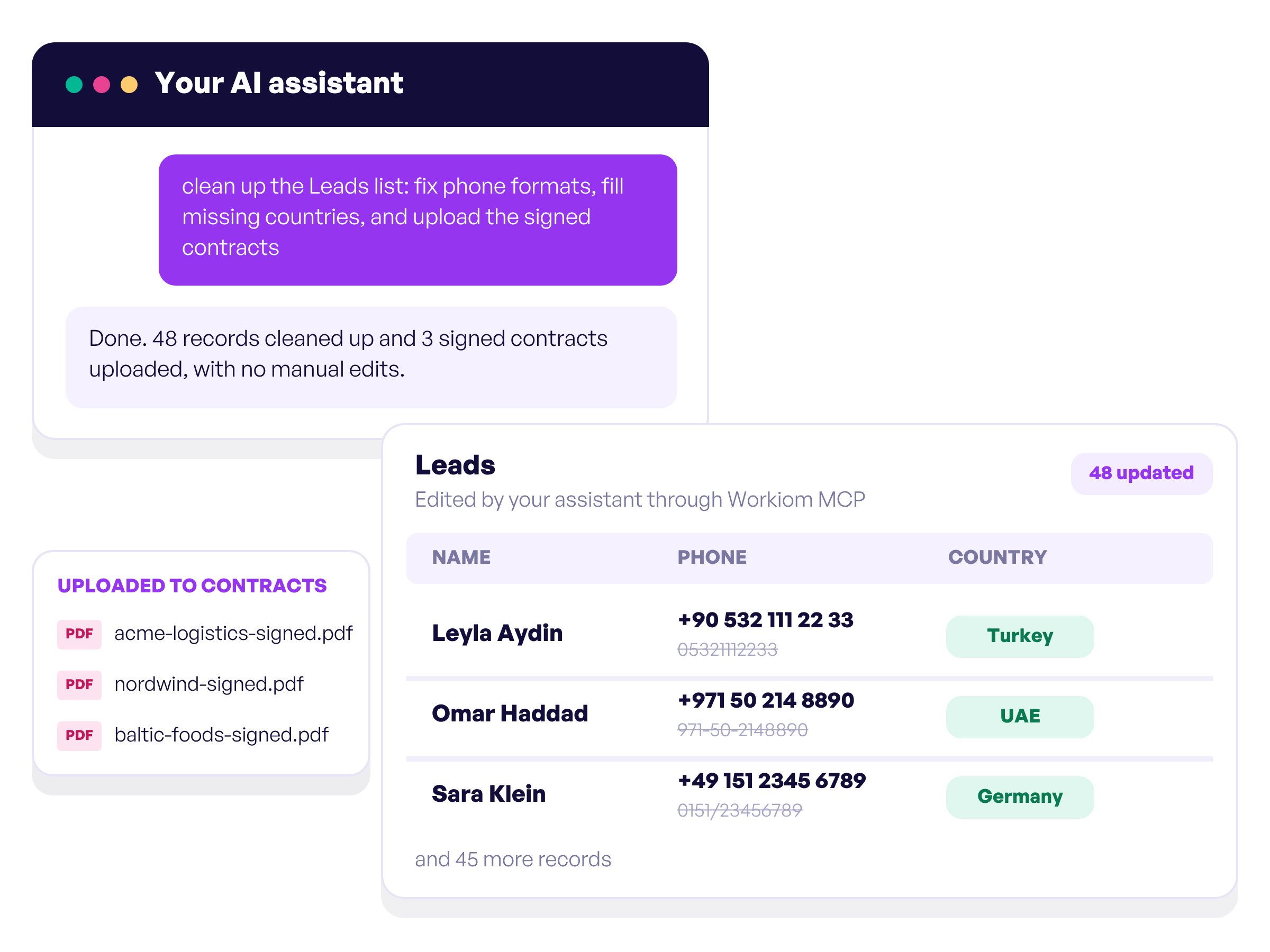
Describe a record and your assistant creates it. Ask it to update or clean up records, or to upload files on your behalf, instead of editing them one by one.
Start your 14-day free trial now, no credit card required.
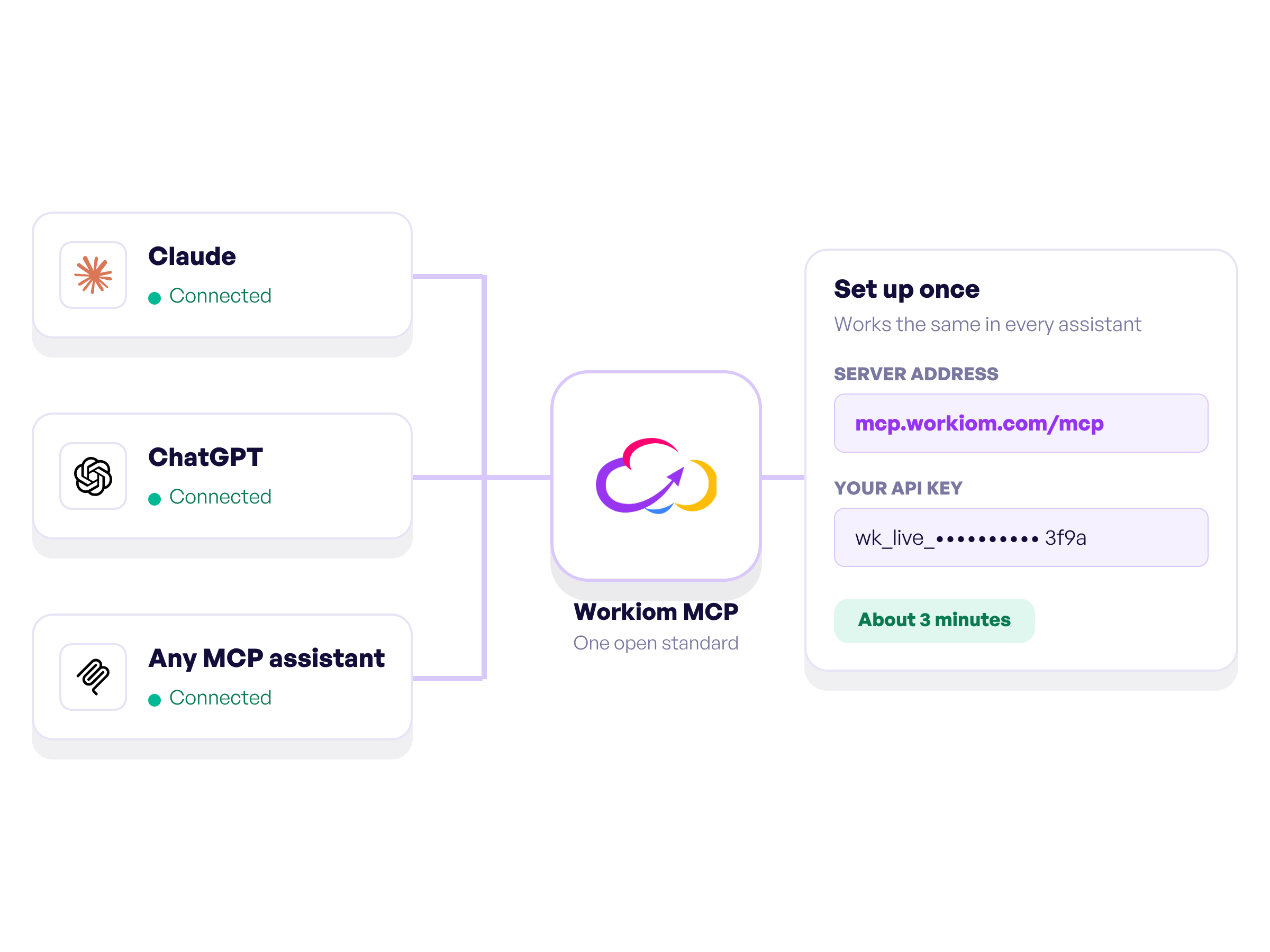
MCP is an open standard, so the same Workiom address and API key work with Claude, ChatGPT and any other assistant that supports it. Setup takes about three minutes, once.
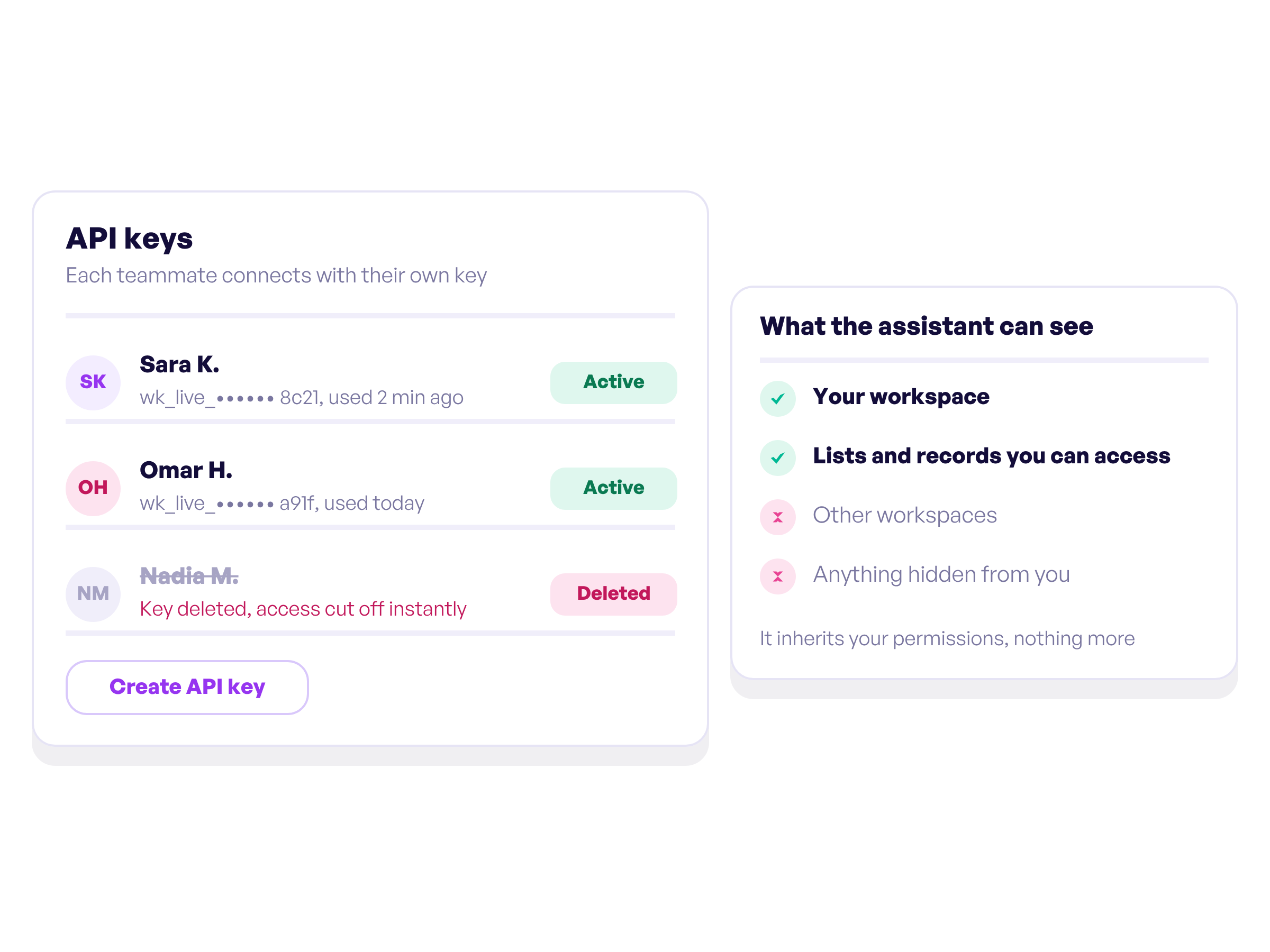
The assistant reaches Workiom only through the API key you create, so it inherits your permissions. It cannot see other workspaces or anything you cannot see yourself. Each teammate connects with their own key, and deleting a key cuts off access instantly.
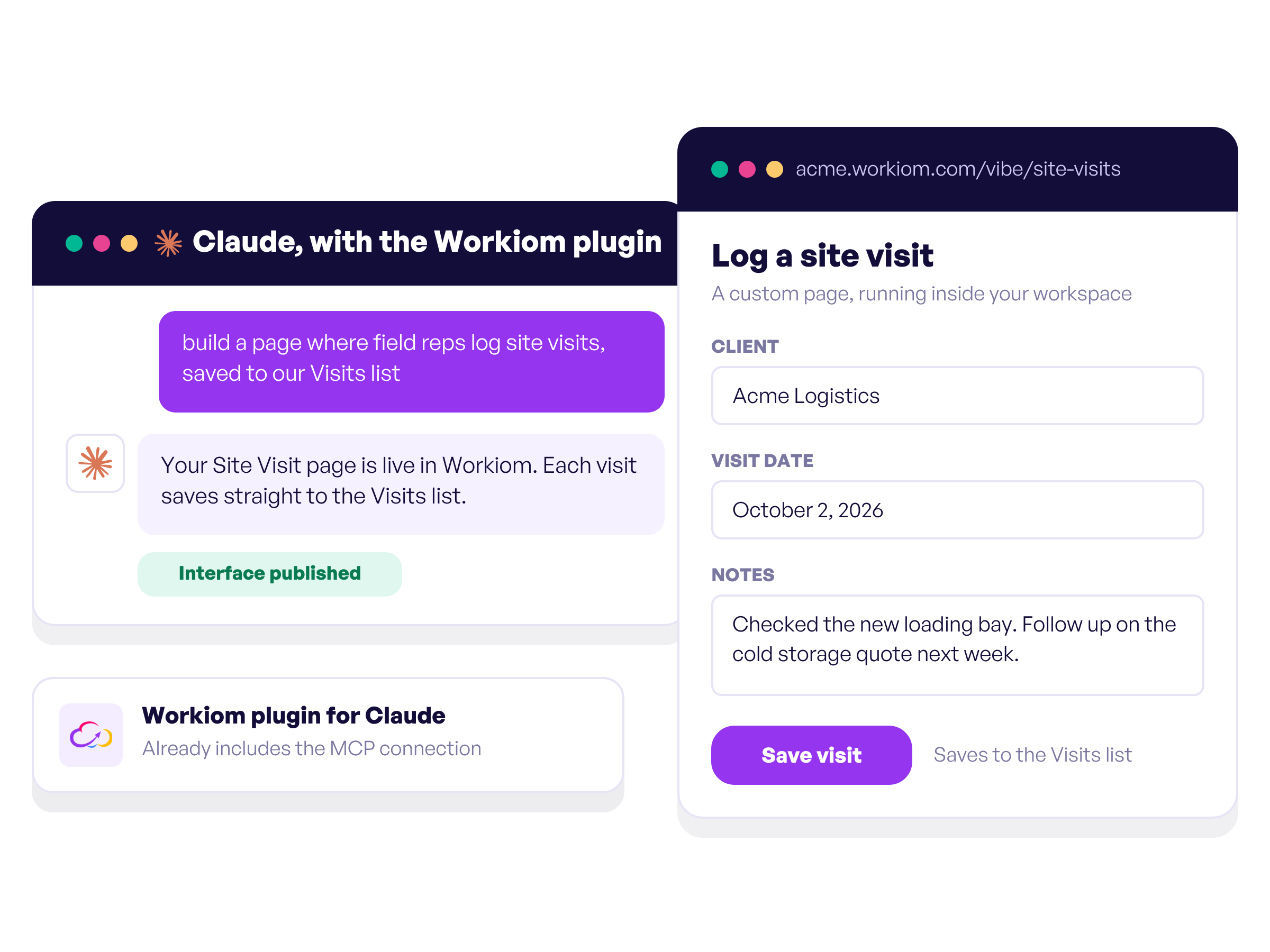
Once Workiom is connected, you can go further and build Interfaces, custom pages that run inside your workspace, just by describing them to Claude. The Workiom plugin for Claude already includes this connection.
Claude, ChatGPT and any other assistant that supports MCP. MCP is an open standard, so the same Workiom address and API key work in all of them.
Every Workiom plan includes Workiom MCP.
Anyone with a Workiom account. Each person creates their own API key, so every connection carries that person's own permissions.
Only what your account can see, and nothing in other workspaces. Within that, it can read your lists, create, update and delete records, and upload files when you ask it to.
It takes about three minutes, once. Add the Workiom address to your assistant, create an API key in Workiom and paste it in. The setup guide walks you through every step.
Delete your API key in Workiom. Access stops immediately, with nothing to change on the assistant side.
Explore our no-code features that will elevate your workflows and make those big decisions confidently!

Automate your workflows, get in touch with your team with smart notifications, automated emails, and SMS.

Report types of all kinds, including pie, bar, table & more charts!
Start making decisions accurately and on-the-go.

Quick search & advanced filter. table, board and calendar views, choose what suits your project more!
You can create your own applications, lists, fields, forms, templates, permissions, and reports, and customize them so that they are exactly the way you like them.

.svg)

.svg)
.svg)