

March 22, 2026

4 min Read
Read

Imagine this: you spend less time setting up workflows and more time actually getting work done. No endless configuration screens, no complicated formulas to write by hand, just tell the system what you need, and it builds the process for you.
That’s the promise of AI-powered workflow automation in Workiom. It’s a way for teams to remove manual bottlenecks, reduce repetitive work, and let intelligent tools handle the heavy lifting.
In this guide, we’ll explain what it means, how we make it possible, and share a realistic example you can relate to. By the end, you’ll know exactly how to start building smarter workflows in minutes, without writing a single line of code.
AI-powered workflow automation refers to using artificial intelligence to design, manage, and execute workflows without requiring manual input for every step.
Unlike traditional automation, which relies on preset rules and manual configuration, AI automation understands intent through natural language and helps generate workflows and logic based on your instructions and data context.
This kind of automation removes technical barriers and accelerates productivity, especially for non-technical teams.
Workiom has integrated several AI-powered features in recent versions to make automation more accessible. Each tool contributes to simplifying how users build and run workflows:
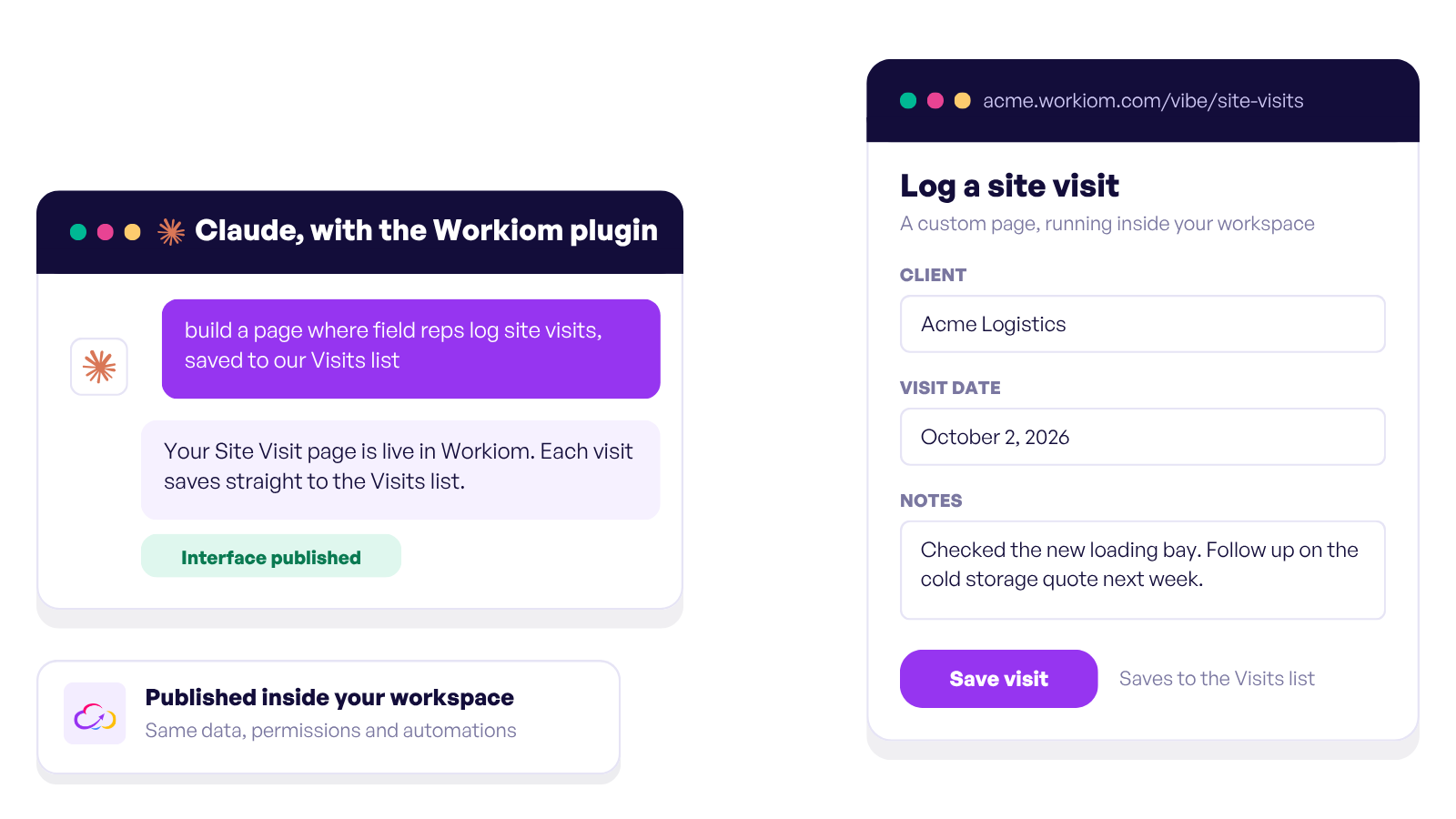
This feature acts like a prompt-based workspace assistant. Instead of setting up lists, fields, and automations manually, users can describe their goal in plain English, like “I need a CRM to track leads and assign follow-ups,” and Workiom will generate the workspace structure accordingly.
What it does for you:
The AI Field allows you to insert dynamic, prompt-based data enrichment into your records. For example, you could ask AI to summarize a note, categorize a response, or generate a draft reply, all directly in a record.
What it does for you:
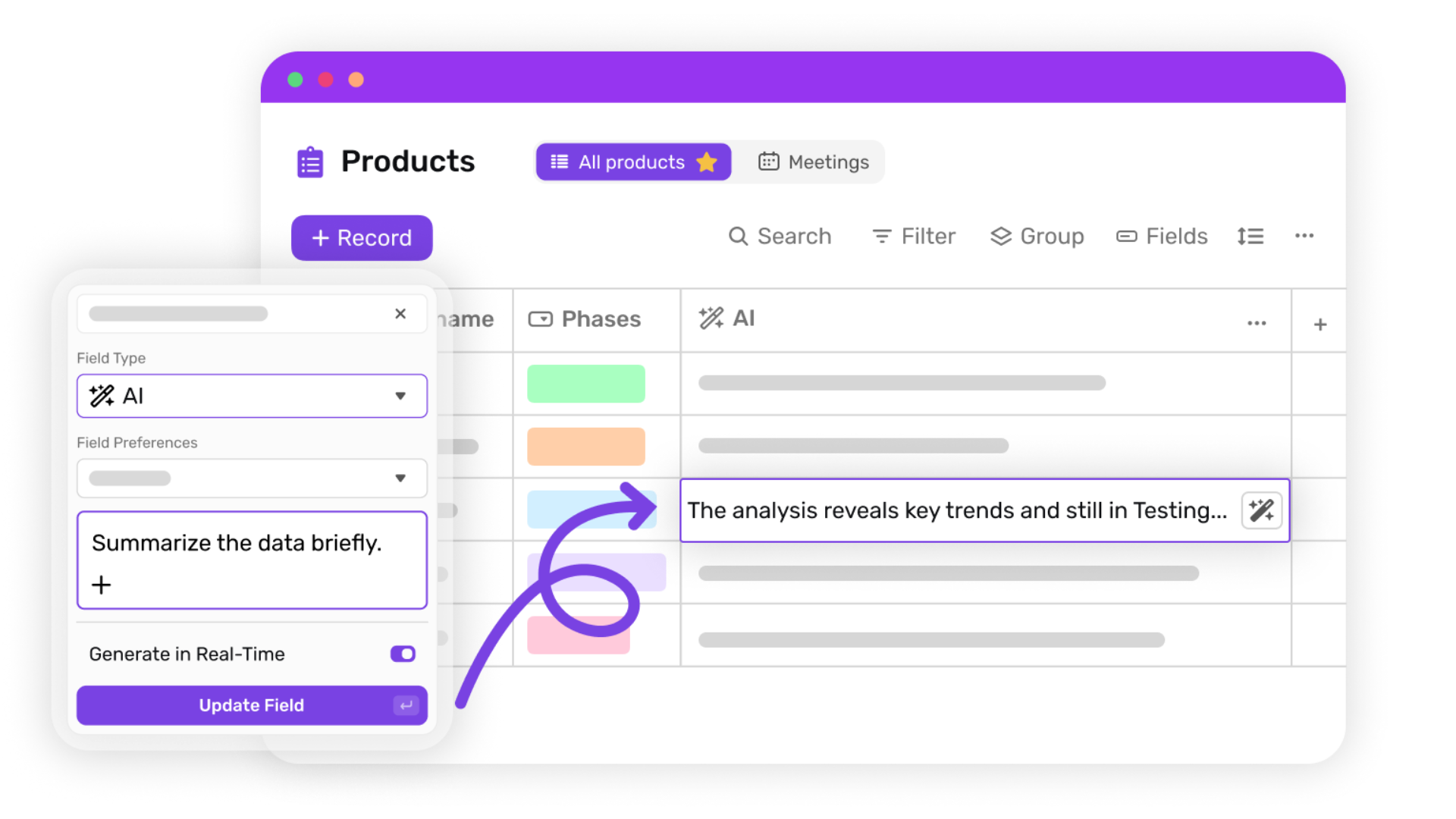
Writing formulas manually can be intimidating, especially for users unfamiliar with syntax. The AI Formula Generator converts plain language into formula logic, saving time and reducing errors.
What it does for you:
Think of these features as parts of the same engine:
The result? Workflows that combine automation with AI-generated context and data insights.
Let’s say you want to route leads based on region, lead score, and urgency level.
Here’s how you’d automate it using Workiom:
“I want a CRM that captures leads and automatically assigns them to sales reps based on country and lead score.”
→ Workiom AI generates the workspace, fields like “Lead Score” and “Country,” and basic automations.
Add an AI Field that analyzes the lead note and generates a summary or urgency score.
Prompt: “Summarize urgency based on lead message.”
Prompt: “If lead score is above 80 and country is UAE, assign to Ahmed.”
→ Formula Generator builds the routing logic, no code needed.
When a new lead is created, Workiom automatically routes it to the right rep based on the AI-generated values and formula logic.
This setup would typically take hours of manual configuration. With AI, setup time can be significantly reduced, and workflows can be adjusted as your needs evolve.
Once you get comfortable, there are some powerful ways to combine these tools:
These aren’t hypothetical, they’re workflows you can build today.
AI-powered workflow automation in Workiom helps teams eliminate bottlenecks, reduce human error, and scale operations with far less technical effort. Whether you’re managing leads, projects, content, or tickets, these tools let you build faster, automate smarter, and focus more on impact than setup.
If you're ready to try it, just open Workiom and describe what you want. Let the AI do the rest.
Contact us or start your free trial today and see how Workiom helps your team build smarter workflows with AI-powered automation.
AI-powered workflow automation uses artificial intelligence to generate workflows, formulas, and logic based on natural language instructions.
Workiom provides tools like AI Formula Generator, AI Field, and Conversational App Builder to automate setup and decision logic.
No. Users can create workflows simply by describing their needs in plain language.



.svg)
.svg)
