Have you ever struggled to choose the right approach to build the tools your team needs?
Perhaps you’ve wondered whether to use a no-code platform or an open-source app builder.
It’s a common dilemma for teams trying to move faster without losing flexibility.
In this article, we’ll break down the key differences, advantages, and trade-offs to help you decide which approach best fits your team.
By the end, you’ll have a clear framework for choosing between no-code simplicity and open-source control, or even combining both.
No-code Vs open-source app builders
At a high level, no-code app builders and open-source platforms serve similar purposes: to create custom applications, automate workflows, and centralize data. However, how they operate and who they serve differs significantly.
Feature
No-code app builder
Open-source app builder
Access
Closed-source SaaS
Source code fully accessible
Development skill
No coding required
Requires programming knowledge
Hosting
Cloud-hosted by a provider
Self-hosted or cloud-deployed
Customization
UI-based customization
Unlimited, via code
Maintenance
Managed by the provider
Team must handle bugs, updates, and security
Security
Enforced by the vendor
Controlled by the development team
Time-to-deploy
Hours to days
Days to weeks or more
Integration
Built-in + API (Zapier, Make)
API-level, manual setup required
In short:
No-code platforms such as Workiom are built for speed, simplicity, and accessibility.
Open-source app builders offer full code-level control, but at a cost of complexity.
Why teams choose no-code platforms
Teams looking to automate task tracking without code, prototype quickly, or scale operations with minimal IT support often lean toward no-code.
Main advantages of using a no-code platform like Workiom:
Faster implementation: Build apps, dashboards, and automations visually, no development backlog or coding required. Workiom’s drag-and-drop builder supports views like Kanban, Calendar, Timeline, and more.
Cross-team usability: Empower operations, marketing, and HR teams to create and manage their own tools without IT dependency.
Integrated automation: Use Workiom’s workflow engine to automate reminders, status changes, and approval flows, ideal for distributed teams that want consistency without complexity.
Centralized workspace: Link data across lists, departments, or even workspaces. Combine CRM, expense tracking, and project management, all within one no-code ecosystem.
To choose effectively, evaluate these five core factors:
1. Team skills
No coding skills → No-code.
In-house dev team → Open-source or hybrid.
2. Speed to launch
Need something to live in days → No-code.
Willing to invest weeks/months → Open-source.
3. Hosting and security preferences
Prefer managed hosting and updates → No-code.
Require on-premise control → Open-source.
4. Depth of customization
Standard business logic and workflows → No-code
Custom interfaces, data logic, or API complexity → Open-source
5. Budget and long-term sustainability
Lower total cost of ownership → No-code
Higher upfront dev investment → Open-source
Can you combine both no-code and open-source tools?
Yes. Many teams adopt a hybrid strategy, combining Workiom’s no-code flexibility with open-source extensibility. Here’s how to combine Workiom with open-source tools:
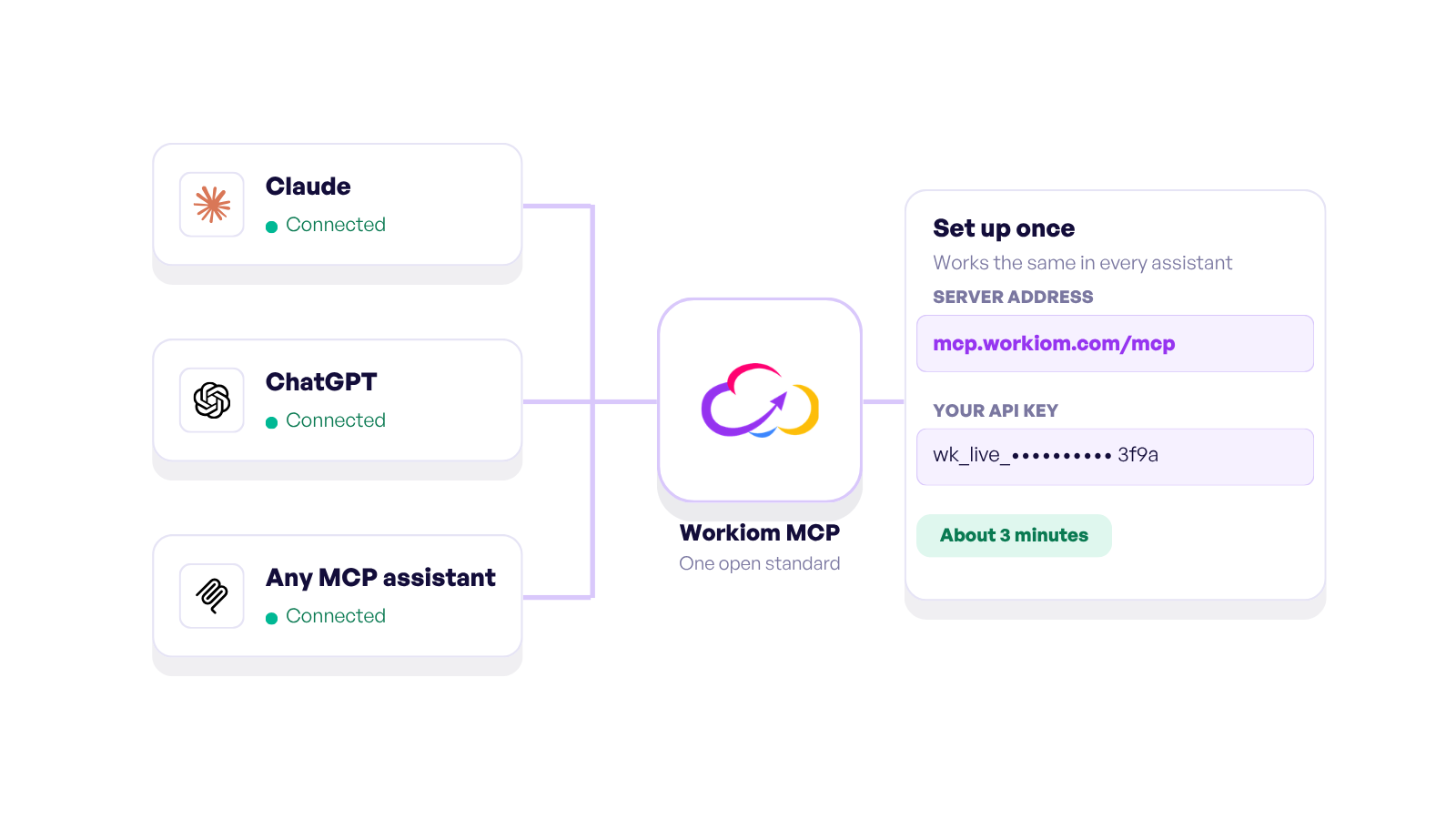
Use webhooks to connect Workiom to open-source APIs or databases.
Trigger Workiom automations based on external system responses.
Pull insights from open-source tools into Workiom dashboards.
Additional considerations: future-proofing your choice
Before making your decision, it is worth asking: how will your system evolve in the next 2–3 years?
Growth scalability: Can the platform expand with new teams and departments?
Training and onboarding: Can new employees start using it without extensive technical training?
Compliance and auditing: Does the system align with the regulations your organization must follow?
Integration flexibility: Can it connect with the other tools you already rely on?
Thinking ahead ensures that your choice today does not limit you tomorrow.
Workiom AI No-Code App Builder
Build Smarter, Not Slower
Choosing between no-code and open-source depends on how your team operates, not just what you’re building.
If you’re looking for:
Speed of execution.
Low barrier to entry.
Visual customization and team-wide accessibility.
Then a no-code platform like Workiom is likely the right fit.
If you have in-house devs, strict compliance needs, or require deep backend customizations, then an open-source builder may be worth the investment.
Either way, it’s about control, cost, flexibility and clarity. For many modern teams, starting with no-code and expanding with open-source integrations creates a balanced, scalable workflow.
To explore real-world templates, API integrations, and how you can start automating in minutes, visit Workiom’s documentation or browse use cases tailored to your team structure.
Contact us or start your free trial today and discover how to combine no-code speed with open-source flexibility for your team’s next growth stage.
FAQs
1. Is a no-code app builder secure enough for enterprise use?
Yes, modern no-code platforms like Workiom provide enterprise-grade security, including encrypted data storage, role-based permissions, and regular vendor-managed updates. However, if your industry requires on-premise hosting or full code control for compliance, an open-source solution may be better suited.
2. Can I migrate from a no-code platform to an open-source solution later?
In most cases, yes. Many teams start with no-code to launch quickly, then transition to open-source when they need deeper customization. To simplify migration, choose a no-code platform that offers API access, data export options, and integration-friendly architecture.
3. What’s the cost difference between no-code and open-source app builders?
No-code tools often have lower upfront costs and predictable subscription fees, making them budget-friendly for fast launches. Open-source platforms are typically free to license but require in-house development resources, hosting expenses, and ongoing maintenance, which can make long-term costs higher.


.png)



.svg)
.svg)
