

March 1, 2026

6 min
Read


Keeping projects on track shouldn’t mean wrestling with spreadsheets, endless email threads, and a pile of disconnected apps. Yet for many teams, that’s the daily reality. When it’s time to bring in a modern platform to simplify the chaos, one question quickly comes up: should you go no-code or low-code?
It’s a decision that matters. The wrong choice can slow your progress, frustrate your team, and waste resources.
In this guide, we’ll explain the difference between no-code and low-code, compare their strengths, and help you decide which fits your team’s skills, timeline, and goals. By the end, you’ll have a clear answer, and know how Workiom can help you get there.
If you’ve ever waited days (or weeks) for IT to tweak a workflow, you know the pain of technical dependency. And if you’ve tested “easy” tools that ended up being overcomplicated, you’ve seen how tool overload can kill productivity.
Here are the two common blockers we hear from teams worldwide:
The result? Processes stay manual, data stays scattered, and the promised agility never arrives.
Across industries, teams are moving toward self-service platforms. Marketing, HR, operations, and product teams want to create their own tools without depending on engineering.
That’s where no-code and low-code come in, giving you the power to build apps, workflows, and automations tailored to your needs.
But that transition comes with one big choice: No-code or low-code?
Here’s where most teams struggle. Let’s break it down clearly.
A lot of teams assume low-code is automatically “more powerful”. In reality, power comes from fit.
If your HR team needs to track candidates, or your marketing team wants to automate campaign tracking, they don’t need Python scripts, they need a fast, self-serve way to get the job done. That’s where no-code shines.
On the flip side, if you’re building a public-facing portal with heavy API integrations, low-code might make more sense. The key is matching the platform to your use case and skills.
At Workiom, we’ve seen it firsthand: no-code platforms let teams move fast without waiting on IT.
With a true no-code platform like ours, you can:
And because the interface is visual, your team can learn it in hours, not months.
Low-code is worth considering if:
But here’s the catch, low-code only works if you have developers (or highly technical staff) available to maintain it. Without that, you risk stalled projects.
If your goal is to remove friction, automate fast, and empower non-technical teams, Workiom offers more than traditional no-code; it offers AI-native no-code.
Let’s break it down:
Tired of writing complex logic?
Just type what you want in plain English.
Example: “If status is done and due date is in the past, mark as overdue.”
Workiom translates that into a functional formula automatically.
Need a field that dynamically generates a response?
Create an AI Field, describe what it should do, select an output type (text, date, number), and let AI take care of it.
You can configure it to auto-generate in real time when related values change, without requiring manual automation setup.
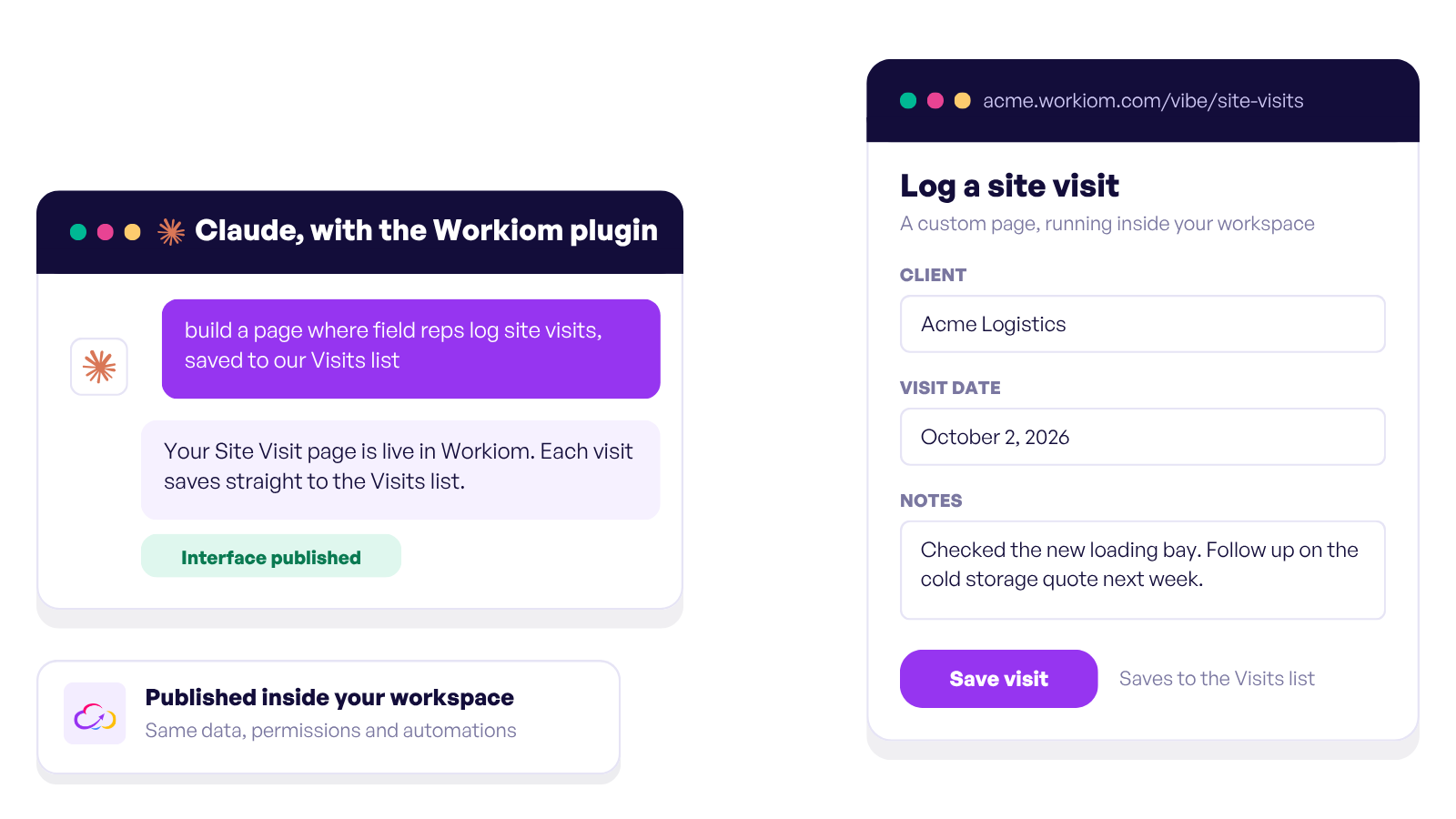
Building an entire app has never been easier. Just describe your needs:
“I want an app to manage hiring, with stages, candidate tracking, interview notes, and feedback.”
Workiom AI will draft the lists, suggest field structures, and generate a working app ready for preview and refinement.
.png)
Ask yourself:
Many teams overlook one big factor: the cost of change.
Switching tools later means migrating data, retraining teams, and rebuilding workflows.
If your needs are mostly internal, like HR, operations, marketing, or sales pipelines, starting with no-code avoids overcomplication and accelerates ROI. And if your team grows into more complex requirements, you can integrate or extend without starting from scratch.
Choosing between no-code and low-code isn’t about which is “better” overall. It’s about which is better for your team right now.
If agility, ease of use, and self-service are your top priorities, we built Workiom for you. Our no-code + AI approach removes barriers, lets your team build exactly what they need, and scales with you as your processes evolve.
In 2025 and beyond, agility wins. Let’s make sure your team has it.
Start building with Workiom today. and see how quickly your ideas can turn into working solutions.
Contact us or start your free trial today and see how Workiom helps your team build smarter apps and automate workflows without complexity.
No-code platforms allow users to build apps and automate workflows using visual interfaces without programming. Low-code platforms offer visual tools as well but often require developers to extend functionality using code.
Teams should choose no-code when they want to build internal tools, automate workflows quickly, and avoid relying on developers.
Yes. Modern no-code platforms like Workiom support automation, integrations, and structured data systems that allow teams to scale operations without rebuilding their tools.



.svg)
.svg)
