

January 1, 2026

6 min
Read

Imagine your team juggling hundreds of tasks every day, some urgent, some routine, but all demanding your attention.
Have you ever wished you could reduce this workload without adding headcount or compromising quality?
What if your team could work smarter, faster, and with fewer mistakes? That’s one of the key outcomes AI-driven task automation can support for teams. Whether you’re in finance, tech, logistics, or government, automating routine work is becoming essential for teams who want to keep up and stay competitive.
With Workiom, a leading no-code work management platform, teams across sectors are deploying AI-driven automations to reduce friction, enhance collaboration, and meet compliance and business goals faster.
Workiom users don’t need to manually build every workflow or logic rule.
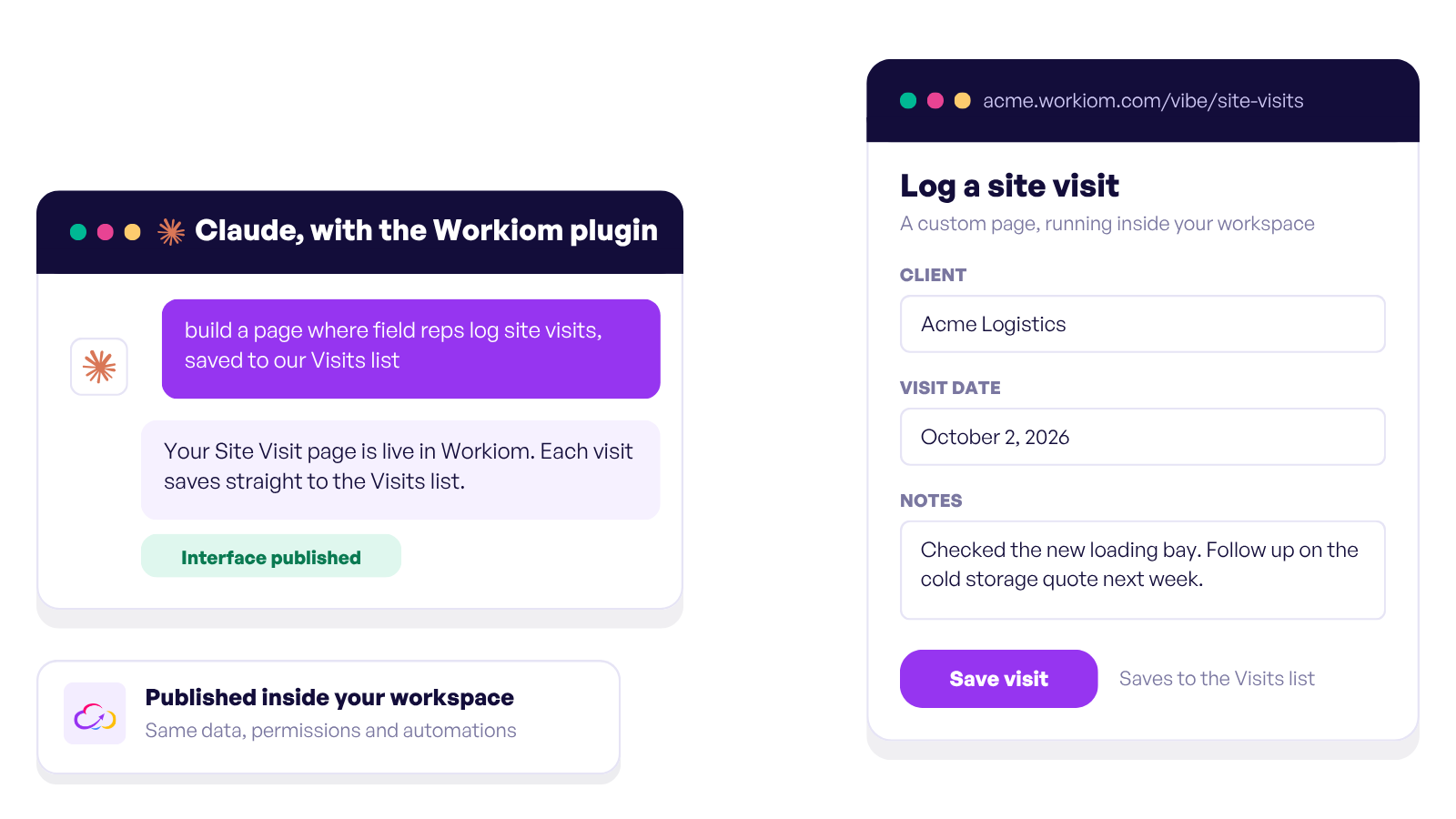
Thanks to the built-in AI App Generator, teams can describe their needs in plain language, such as “I need an HR onboarding system” or “Track customer complaints by region,” and Workiom AI generates an initial, ready-to-preview app structure that can be further configured with workflows, lists, and automations.
In this article, you’ll discover four key benefits of AI task automation and how it can transform your team’s productivity and decision-making today.
Manual processes are slow, especially when they involve approvals, status tracking, or cross-functional coordination.
AI-assisted automation reduces much of the back-and-forth by handling tasks based on predefined rules and triggers. In platforms like Workiom, teams can:
This means your projects can keep moving forward, even when people are busy or out of office. Think of automation as a reliable system that helps teams stay on track and reduce missed deadlines.
Let’s explore how this leads to lower costs and better outcomes.
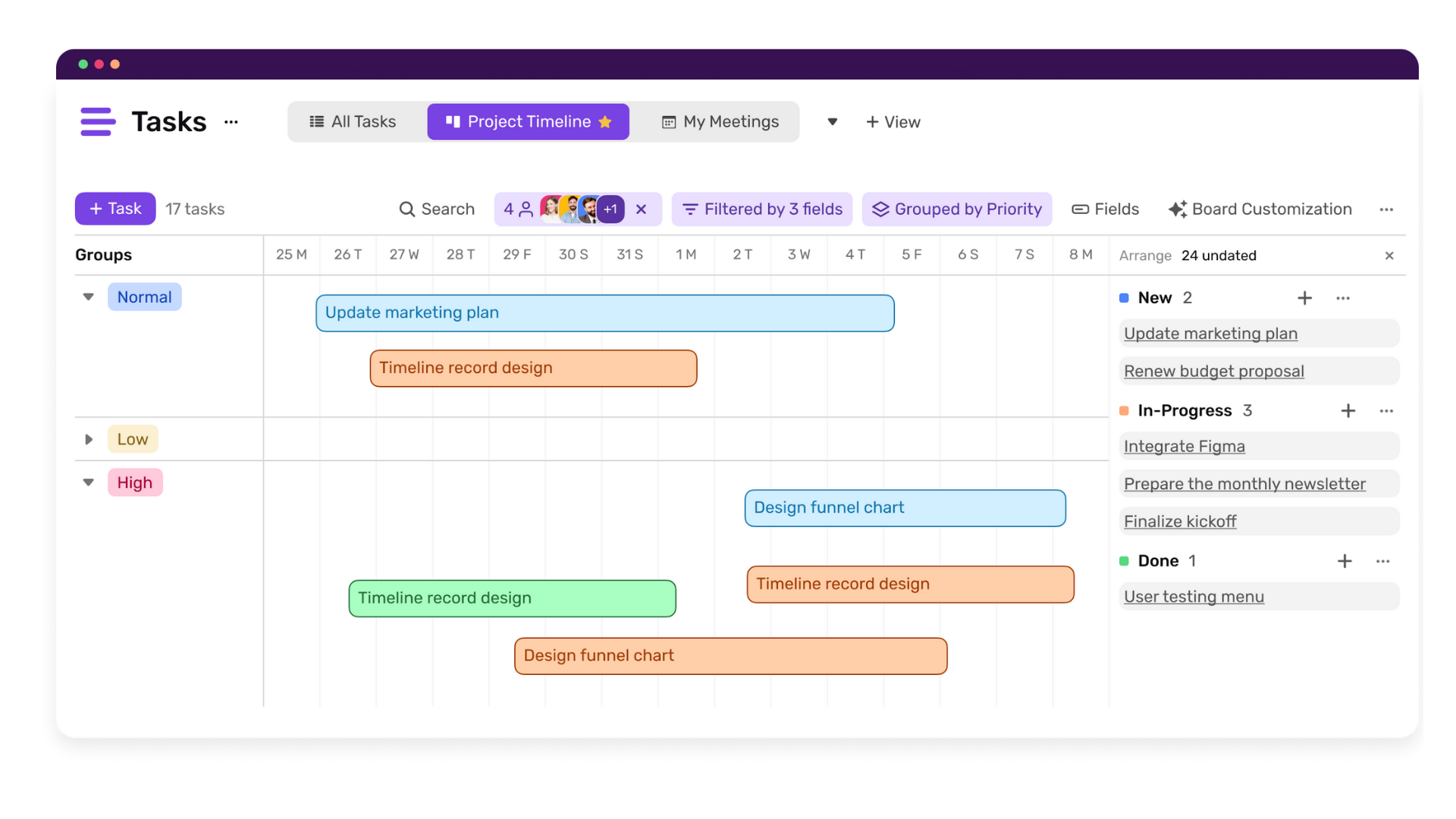
In traditional team environments, even simple processes require multiple people. A document gets submitted, someone reviews it, someone else enters it into a system, someone sends a follow-up email. Multiply that by dozens or hundreds of tasks per week, and the manual overhead becomes significant.
AI task automation allows teams to route, update, and respond to inputs automatically, significantly reducing repetitive manual intervention across the process.
With Workiom, for example, a team can:
By reducing manual effort, your team can focus on high-value work that requires creativity, problem-solving, and human judgment. Plus, automations help reduce errors and missed steps.
Ready to see how this impacts decision-making? Let’s keep going.
When tasks are automated, they generate consistent data, on timing, performance, throughput, and exceptions. That data, when surfaced in real-time dashboards, helps managers and executives make informed decisions quickly.
With Workiom’s real-time dashboards, teams can:
Having this information at your fingertips means no more waiting for end-of-month reports or guessing where problems lie.
Let’s talk about how automation also supports compliance and accountability.
In both public and private sectors, data privacy, auditability, and accountability are essential. Whether you’re in finance, healthcare, logistics, or government, compliance is non-negotiable.
AI-driven task automation platforms like Workiom enhance compliance through:
Embedding compliance into daily workflows simplifies audits, reduces risk, and keeps your team focused.
If you’re new to task automation or wondering how to apply it effectively, here are three practical steps:
By following these steps, your team can move from manual chaos to organized, intelligent workflows.
In today’s fast, complex, and compliance-driven business landscape, AI task automation is not optional; it’s essential.
Teams need tools that:
Workiom enables organizations to automate workflows without writing code or heavy reliance on developers., or losing control of their data and workflows.
With AI Transactions, Workiom introduces a flexible model that allows teams to scale AI usage efficiently and confidently.
Give your team the advantage of smarter, faster, and compliant operations.
Contact us or start your free trial today and see how Workiom helps teams worldwide achieve more with less effort.
Teams use Workiom to automate:
AI helps by:
Yes. Workiom supports multilingual input for both the interface and AI-powered tools like the App Generator. Teams can describe their needs in English, Arabic, or other supported languages, and Workiom AI will build apps, workflows, and automations accordingly.



.svg)
.svg)
